

A planner often begins as a personal solution. One place for tasks, reminders, and appointments feels sufficient, until work becomes more complex. A missed follow-up, a booking change, or a job that slips because it lived in someone's notes rather than a shared system is usually the point at which a simple planner stops being enough.
That gap appears quickly in UK service businesses. The working day rarely fits into neat blocks, and planning is not only about remembering what to do. It is about coordinating people, client commitments, recurring work, and last-minute changes without adding unnecessary administration.
Good planner apps handle the basics well. They are easier to update than paper, more practical than spreadsheets for daily use, and far better for recurring tasks, reminders, and team visibility.
The challenge is that planner apps are designed to solve different problems.
Some are built for personal task capture. Some are strongest when the day revolves around the calendar. Others sit closer to project management, with better delegation, status tracking, and team coordination. Choose the wrong one, and the result is familiar. You still have the app, but the real work remains scattered across messages, calendars, and separate business systems.
That is the perspective behind this list. The best planner app for a solo consultant managing their own week is rarely the best option for a growing service business that also needs scheduling, client records, job tracking, invoicing, and team accountability. At that stage, a planner remains useful, but it is no longer the full answer. An integrated platform such as AetherCloud becomes the more practical next step because it connects planning to the rest of the business, instead of leaving planning as a separate layer.
Table of Contents
- 1. Todoist
- 2. TickTick
- 3. Microsoft To Do
- 4. Fantastical
- 5. Trello
- 6. Asana
- 7. Notion incl Notion Calendar
- 8. ClickUp
- 9. Google Calendar
- 10. Sunsama
- Top 10 Planner Apps: Feature Comparison
- When to Upgrade Planner App vs Business Management Platform
1. Todoist
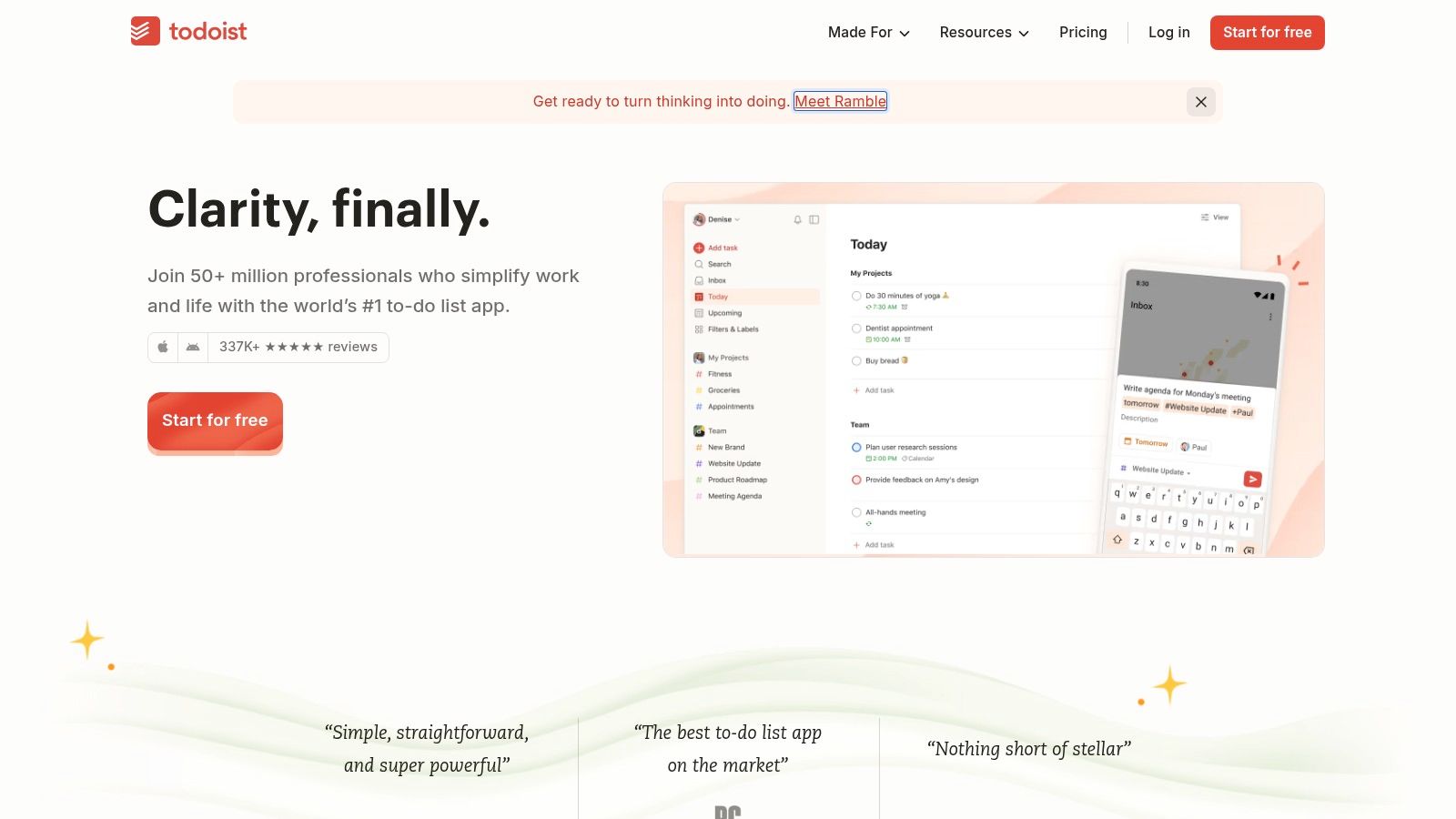
Todoist is one of the easiest planner apps to recommend when the goal is structure without a steep learning curve. It is quick for task capture, clean on mobile, and flexible enough for solo users who need more than a basic reminder app. If the immediate issue is forgotten follow-ups, recurring administration, or smaller operational jobs, Todoist usually resolves that quickly.
Its strongest advantage is speed. Natural-language task entry allows users to type a task as they would say it, assign a due date, and move on. Labels, filters, recurring tasks, comments, and project sharing provide enough depth to support a small team without making the tool feel like heavy project management software.
Where Todoist works best
Todoist suits people who think in task lists first and calendars second. Consultants, office-based service teams, and sole traders who need a dependable daily list often get value from it quickly.
- Fast capture: Add tasks in seconds, which matters when moving between calls or working on-site.
- Recurring admin: Well suited to repeat jobs such as invoice chasing, stock reminders, or monthly compliance checks.
- Simple collaboration: Shared projects and comments support lightweight coordination effectively.
The trade-off is that some of its most useful features sit behind a paid tier. It also starts to feel limited once you need appointments, customer communication, quoting, or invoice status within the same workflow.
Practical rule: If your day is mostly about things you need to do, Todoist fits well. If your day is about people needing to book, approve, pay, and respond, you are likely to outgrow it.
2. TickTick
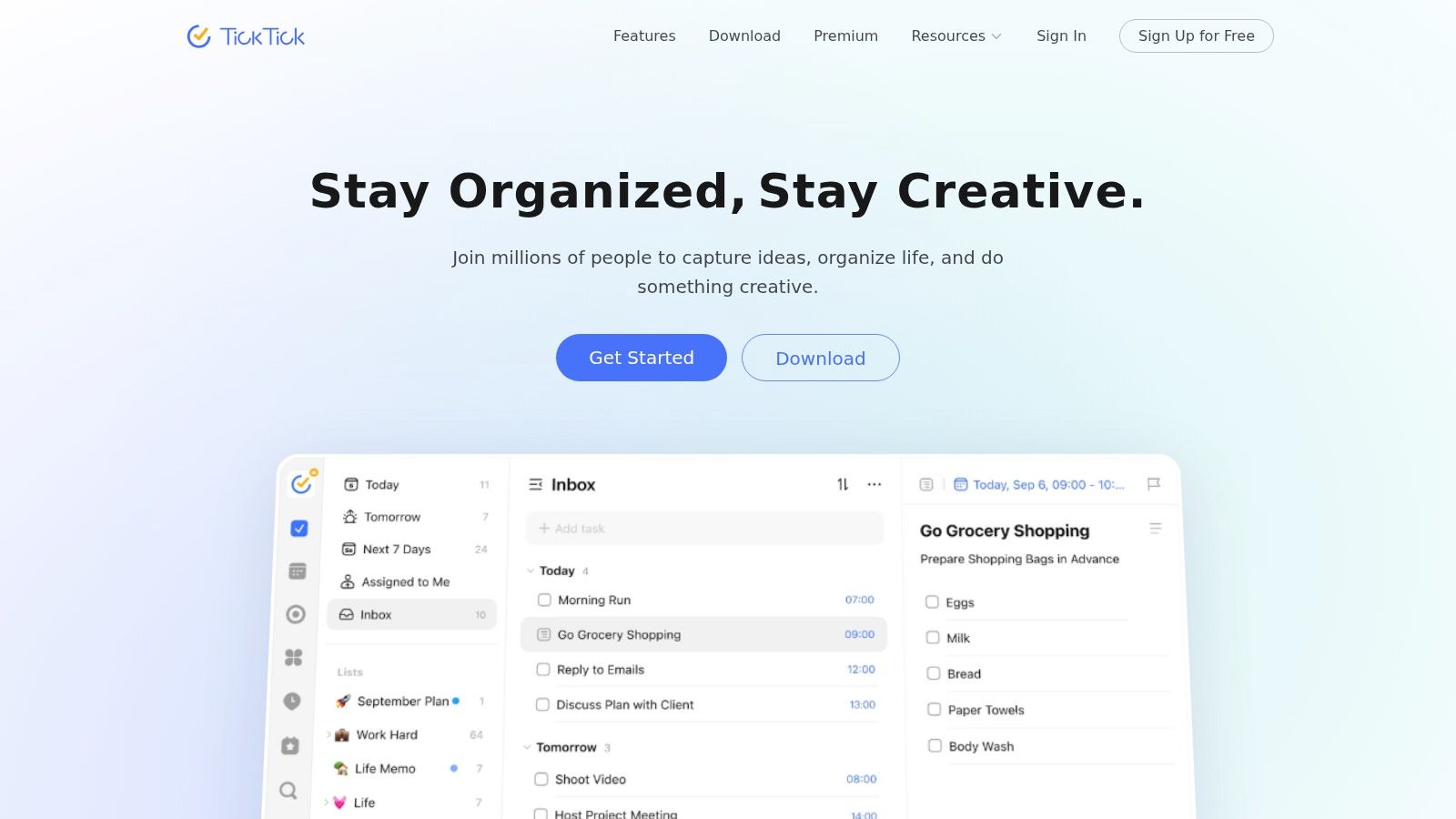
TickTick is best described as a strong personal operations app. It combines tasks, calendar, habits, and a built-in Pomodoro timer in one place, which gives it more of a "run my day" feel than many standard to-do apps. If you prefer to see tasks and events together, TickTick is often a better fit than a purely list-based app.
For busy owner-operators, that blend is useful. You can plan jobs, block time, set recurring reminders, and track habits without moving between multiple tools. It feels denser than Todoist, but that density is also part of its appeal for many users.
Why people stick with TickTick
TickTick works particularly well for users who want one screen to answer a simple question: what am I doing today, and when?
The built-in habit tracker is especially useful when the issue is consistency rather than complexity. Daily call-backs, quote follow-ups, vehicle checks, or social posting can sit alongside standard tasks and appointments without requiring a separate system.
Where it is less convincing is collaboration. TickTick can support shared planning, but it is not the strongest option for a team that needs clearer role assignment, tighter workflow control, or client-facing processes.
TickTick is effective when the main bottleneck is personal discipline. It is less compelling when the bottleneck is business coordination.
3. Microsoft To Do
Microsoft To Do makes the most sense when you already work inside Microsoft 365. If your email sits in Outlook, files live in OneDrive, and the team already uses Microsoft accounts, this is often the lowest-friction option. It is not flashy, but it is easy to learn and difficult to misuse.
The "My Day" view is the main reason many people keep using it. It encourages users to choose today's priorities rather than stare at an endless backlog. For small teams, shared lists, subtasks, and file attachments are sufficient for basic internal coordination.
Best fit for Microsoft users
This is not a power-user tool, and that simplicity is part of its value.
Use Microsoft To Do if you need:
- Simple daily focus: The My Day layout helps prevent lists from becoming overwhelming.
- Outlook alignment: Tasks fit naturally with Microsoft email and existing work habits.
- Low training overhead: Staff can usually start using it with minimal support.
Its limitations become clear when you want automation, richer reporting, or a stronger project structure. It also does not solve operational fragmentation on its own. A task can remind you to send a quote, but it will not create, track, approve, and invoice that quote inside the same system.
4. Fantastical
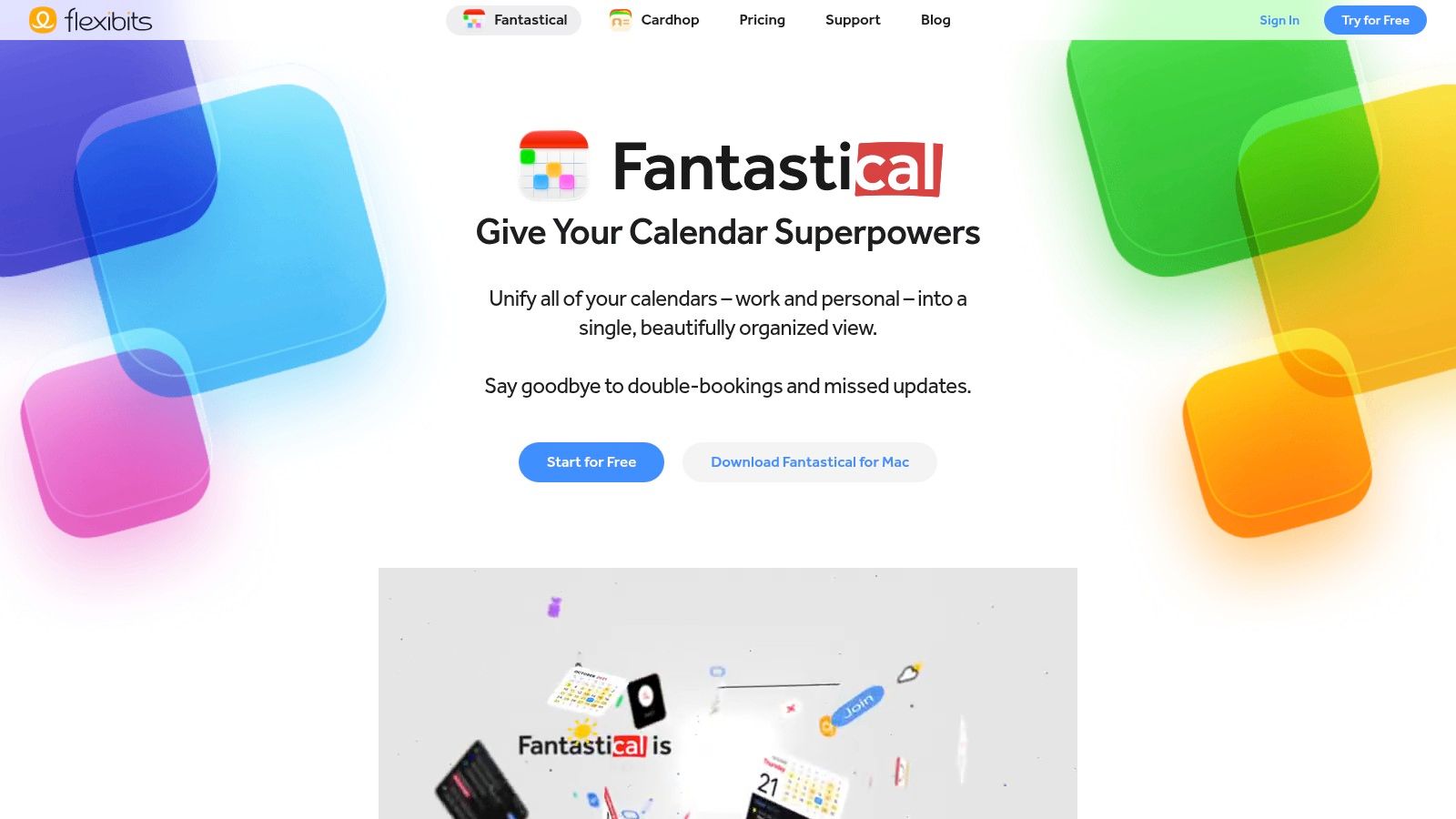
Fantastical is designed for people who treat the calendar as the centre of the working day. On Apple devices, it is polished, fast, and especially good at converting rough scheduling input into actual events. If much of your time is spent arranging meetings, site visits, review calls, or availability windows, Fantastical feels sharper than many general planner apps.
Its natural-language event entry is excellent, and the different schedule views make busy days easier to interpret. Meeting proposals and open-slot sharing are also useful if you regularly coordinate with clients or subcontractors.
Best for calendar-first Apple users
Fantastical is strongest when scheduling is the work, not simply an adjacent task. That makes it a good fit for consultants, creatives, and service businesses that rely heavily on appointment flow.
It is less useful if you need full end-to-end booking operations. At that point, you need a customer-facing system, not just a better personal calendar. If your business is moving toward client self-booking, a dedicated appointment scheduling system for UK service businesses is a more practical next step than refining calendar views alone.
The downside is straightforward. Fantastical is Apple-first, and the premium features are significant enough that many users will need the paid version.
5. Trello
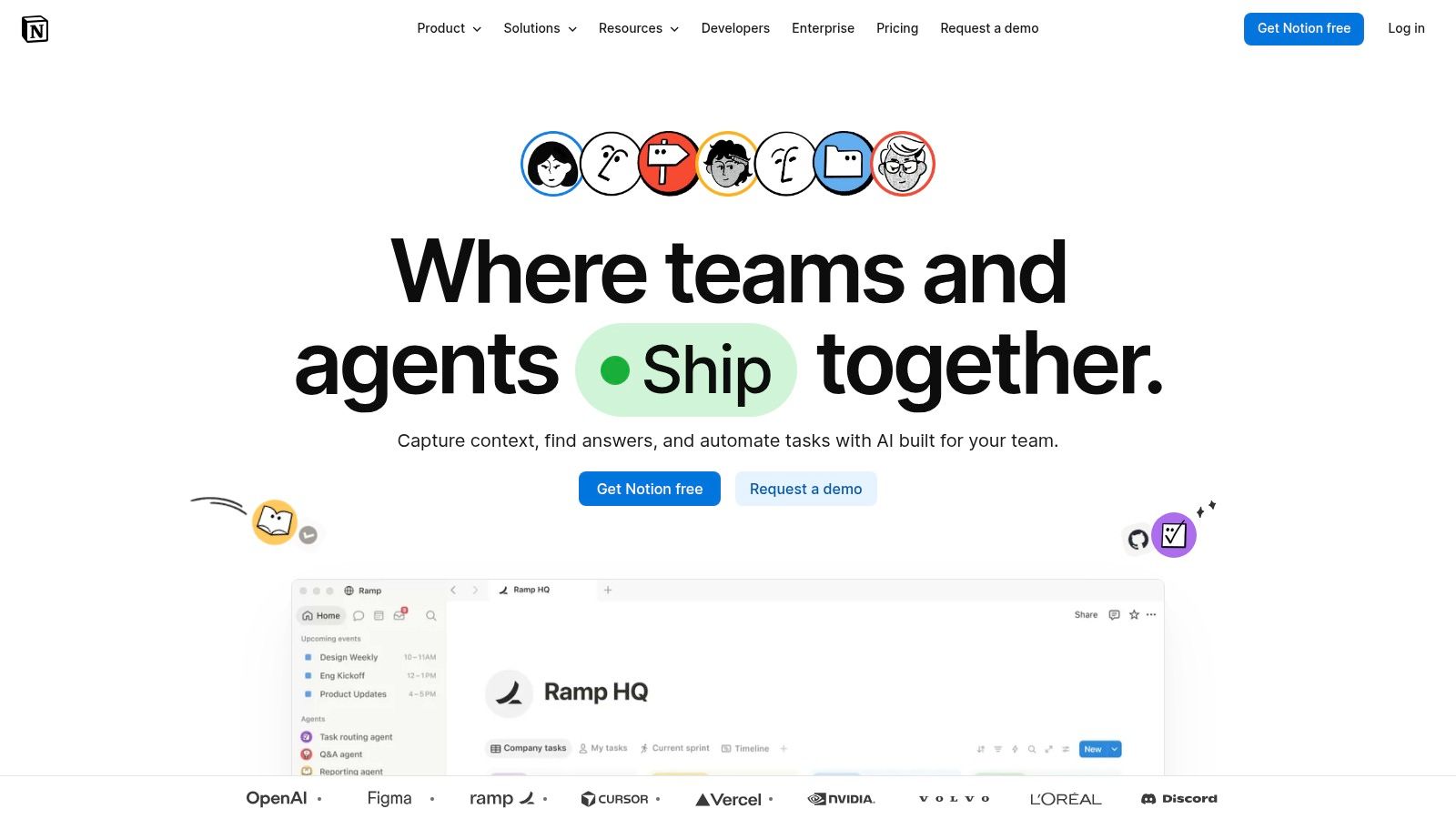
Trello remains one of the most accessible visual planning tools available. If you think in stages rather than dates, boards and cards make immediate sense. A simple pipeline such as Leads, Quoted, Booked, In Progress, and Done is easy to build and easy for a team to understand.
That visual simplicity is Trello's greatest strength. It helps teams see work moving. For many small businesses, that alone improves planning because jobs stop disappearing into inboxes and memory.
When Trello helps and when it doesn't
Trello is useful when the process is straightforward and the team needs a shared board more than a detailed system.
- Great for visual flow: Easy to scan at a glance.
- Good for lightweight teamwork: Comments, checklists, attachments, and custom fields cover a wide range of needs.
- Flexible enough for many uses: Internal jobs, content calendars, simple sales pipelines, and admin boards all work well.
The weak point is scale. As workflows become more detailed, boards can become cluttered. At that stage, teams often start adding Power-Ups, extra rules, and workarounds. That is usually the point where a business realises it does not need a prettier board. It needs one place for bookings, quotes, invoices, and records.
6. Asana
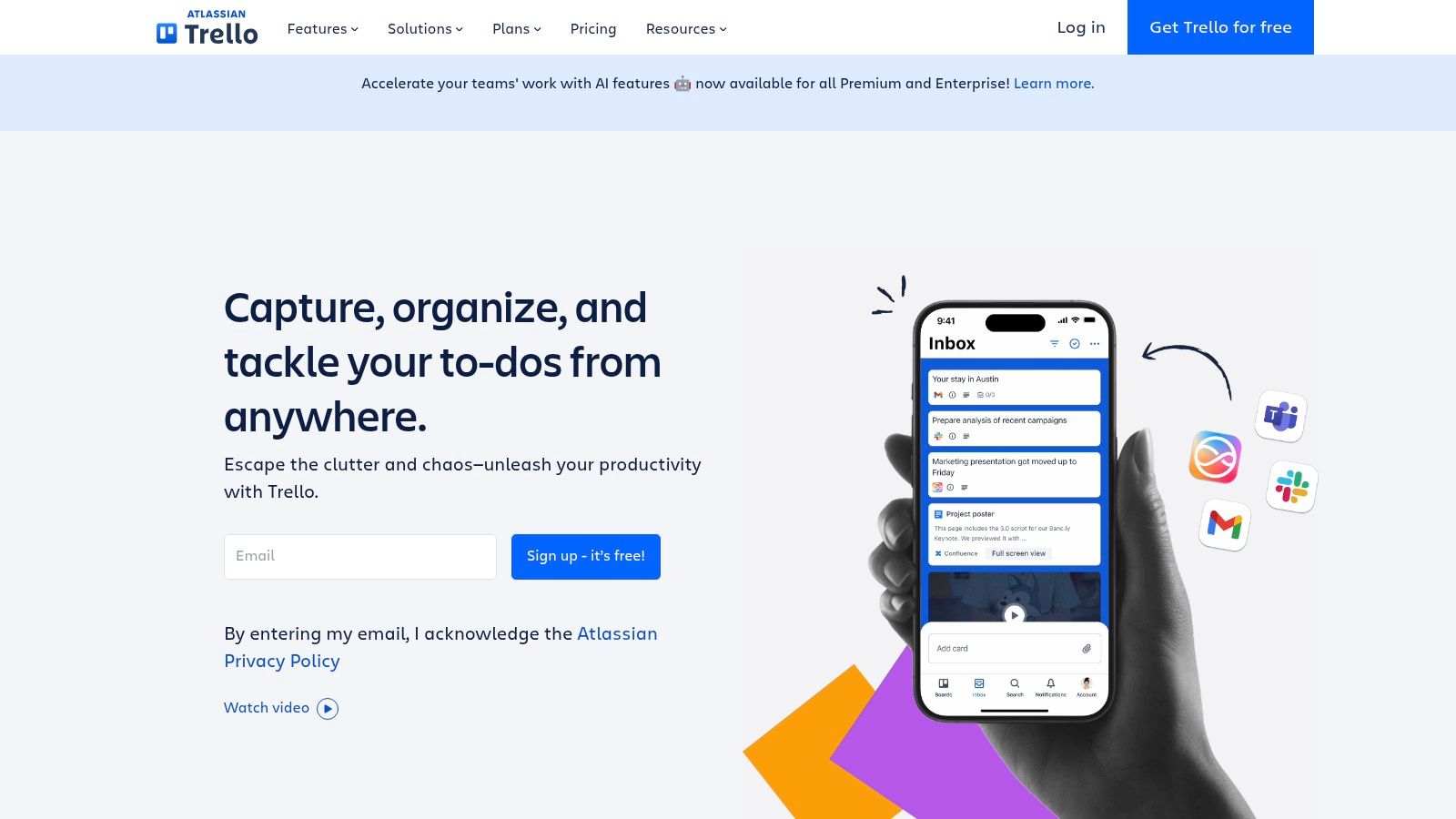
Asana is one of the strongest planner apps when work involves multiple owners, deadlines, dependencies, and handoffs. It is built for coordination. If your team is losing track of who owns the next step, Asana can introduce structure quickly.
For internal operations, it is strong. You can assign tasks, build timelines, use forms, manage recurring workflows, and keep team planning in one place. It is better suited than Trello for businesses where work moves across several people before completion.
Strong when work has owners and deadlines
Asana generally suits growing teams more than solo operators. If your business now includes office administration, estimators, field staff, or account managers, that added structure is useful.
What Asana does not do naturally is act as a client record and service operations hub. You can build project processes around customers, but it is still not a dedicated CRM. If customer details are scattered, you need a proper contact management workflow built for service businesses, not just another task hierarchy.
That is the key trade-off. Asana is excellent for managing work. It is less natural for managing the full client journey.
7. Notion incl Notion Calendar
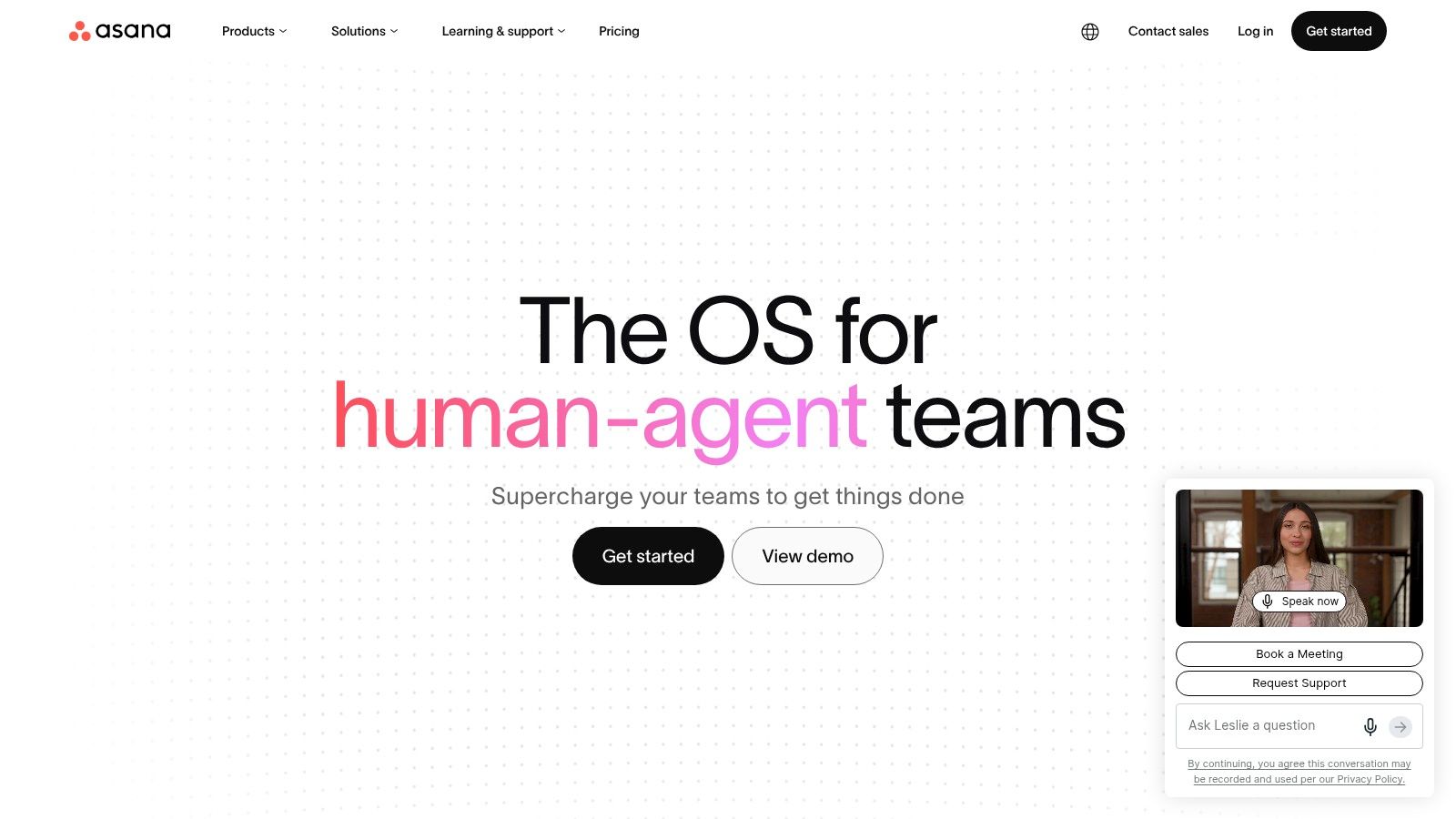
Notion appeals to people who want one workspace for notes, databases, tasks, and internal documentation. That flexibility is the point. You can build dashboards, job trackers, handover pages, meeting notes, and lightweight CRMs inside one system, then connect them with Notion Calendar.
For some businesses, that is ideal. If the main problem is information living in too many places, Notion can bring notes and planning together in a way most dedicated planner apps cannot.
Best if you want one workspace for notes and planning
Notion works best when someone in the business enjoys building systems. If no one does, the setup can drift into endless tweaking.
Build the lightest useful version first. A planner that requires constant maintenance quickly becomes another administrative burden.
A few practical strengths stand out:
- Flexible databases: Useful for custom job logs, content plans, SOPs, and internal trackers.
- Documentation plus action: Notes and tasks can sit together, which reduces context switching.
- Shareable workspace: Valuable for teams that need a central knowledge base.
The downside is mobility and speed. On a hectic service day, Notion can feel slower than dedicated task apps. It is powerful, but sometimes that power gets in the way of quick execution.
8. ClickUp
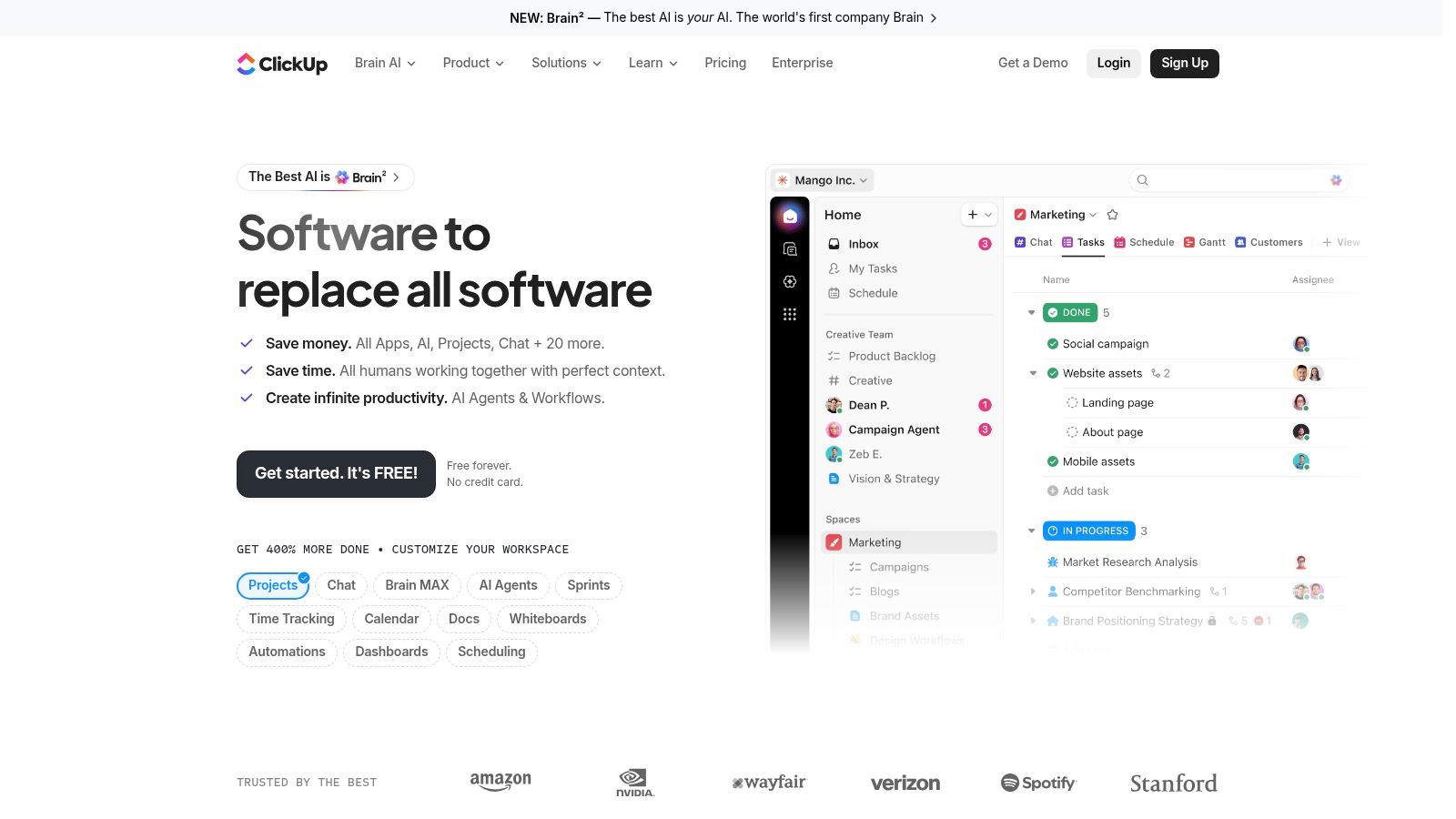
ClickUp is designed to replace several tools with one platform. Tasks, docs, dashboards, time tracking, goals, and whiteboards all sit under one roof. For businesses that want planning and oversight together, it is one of the most capable tools on this list.
That breadth is both its main selling point and its main risk. ClickUp can do a great deal, but if too much is enabled too early, teams can get lost in the options. It is best suited to organisations that know they need custom fields, reporting, multiple views, and a more structured operating layer than a standard planner app can provide.
Best for teams that want reporting with planning
ClickUp is particularly strong when management needs visibility, not just task lists. Dashboards and native time tracking help teams identify overdue work, workload issues, and delivery patterns.
That said, many UK service businesses do not need more internal metrics. They need clearer visibility into bookings, completed work, revenue, and follow-up activity. If that is the real issue, a dedicated business analytics view tied to real operations is usually more valuable than another configurable dashboard.
One practical caution matters here. Existing UK-focused guidance often skips the true cost of business software. Implementation time, staff training, customisation, and third-party integration fees all affect total cost of ownership, as noted in Proova's discussion of essential business apps in the UK. ClickUp can be excellent, but only if you control the setup before the setup starts controlling you.
9. Google Calendar
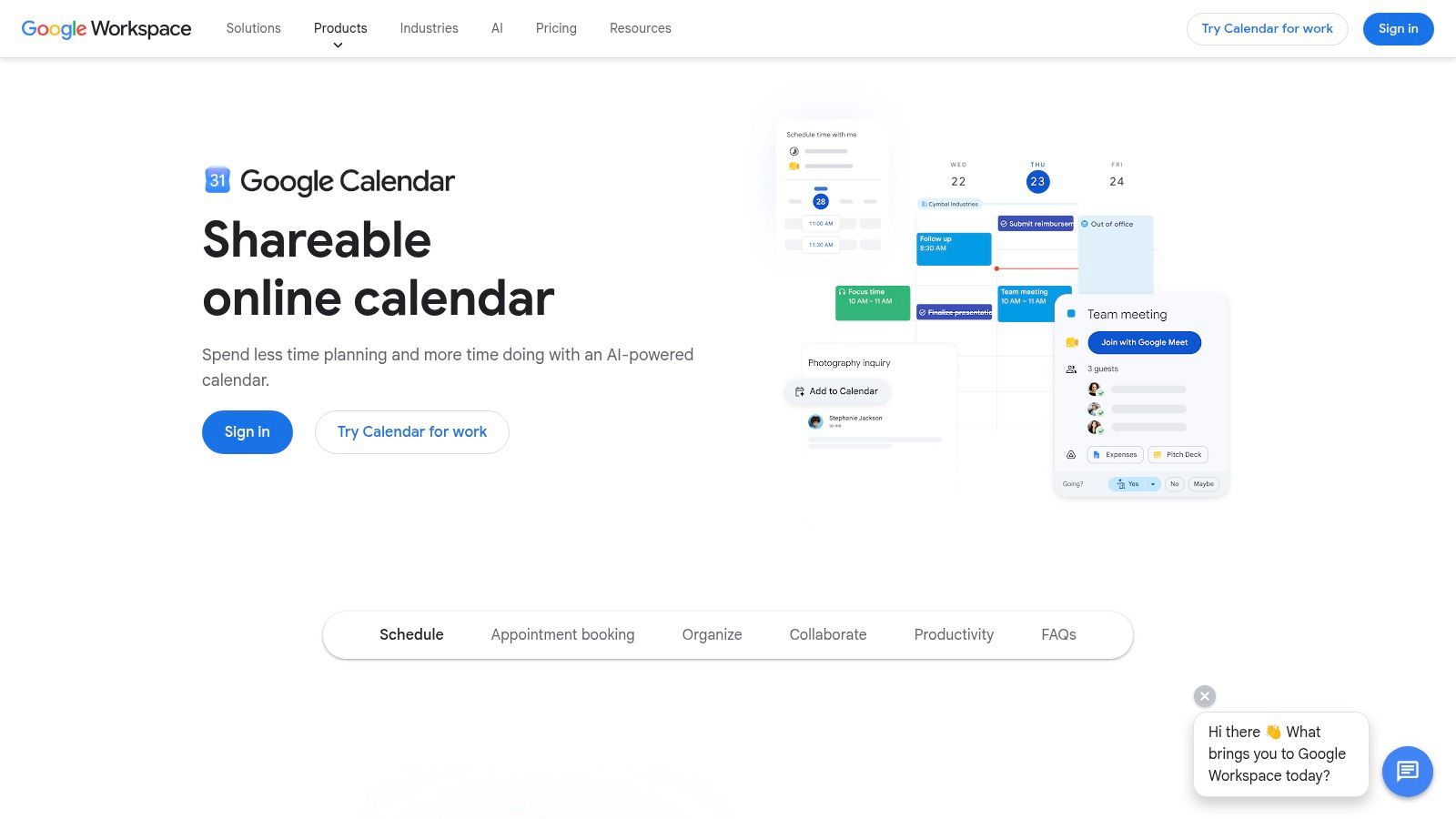
Google Calendar is often the first tool from which a service business gets meaningful value. A director may start by blocking out jobs and meetings personally, then add a shared calendar so the team can see who is available, what is booked, and where clashes are emerging.
That simplicity is the appeal. Google Calendar handles time blocking, shared availability, recurring bookings, appointment slots, and Meet links with very little setup. For small teams that need everyone looking at the same diary, it works quickly.
Best for visibility of time, not visibility of work
The trade-off is straightforward. Google Calendar shows when something is happening. It does not manage the job behind the slot.
A plumber, consultant, agency, or cleaning company can use it to organise the day, but the operational detail still sits elsewhere. Quote status, job notes, approvals, follow-ups, invoices, and payment history usually end up split across email, spreadsheets, accounting software, and message threads. That is manageable at a very small scale. It becomes slow and error-prone once the business has multiple staff, repeat customers, and work in progress across the week.
I recommend Google Calendar when the immediate problem is diary control and basic team coordination. I stop recommending it as the main system once the business needs one place to track the full path from booking to completed work and payment.
For sole traders, it is a sensible first upgrade from paper or memory. For growing UK service businesses, it is usually the point at which a planner app begins to show its limits and a business management platform becomes the better fit.
10. Sunsama
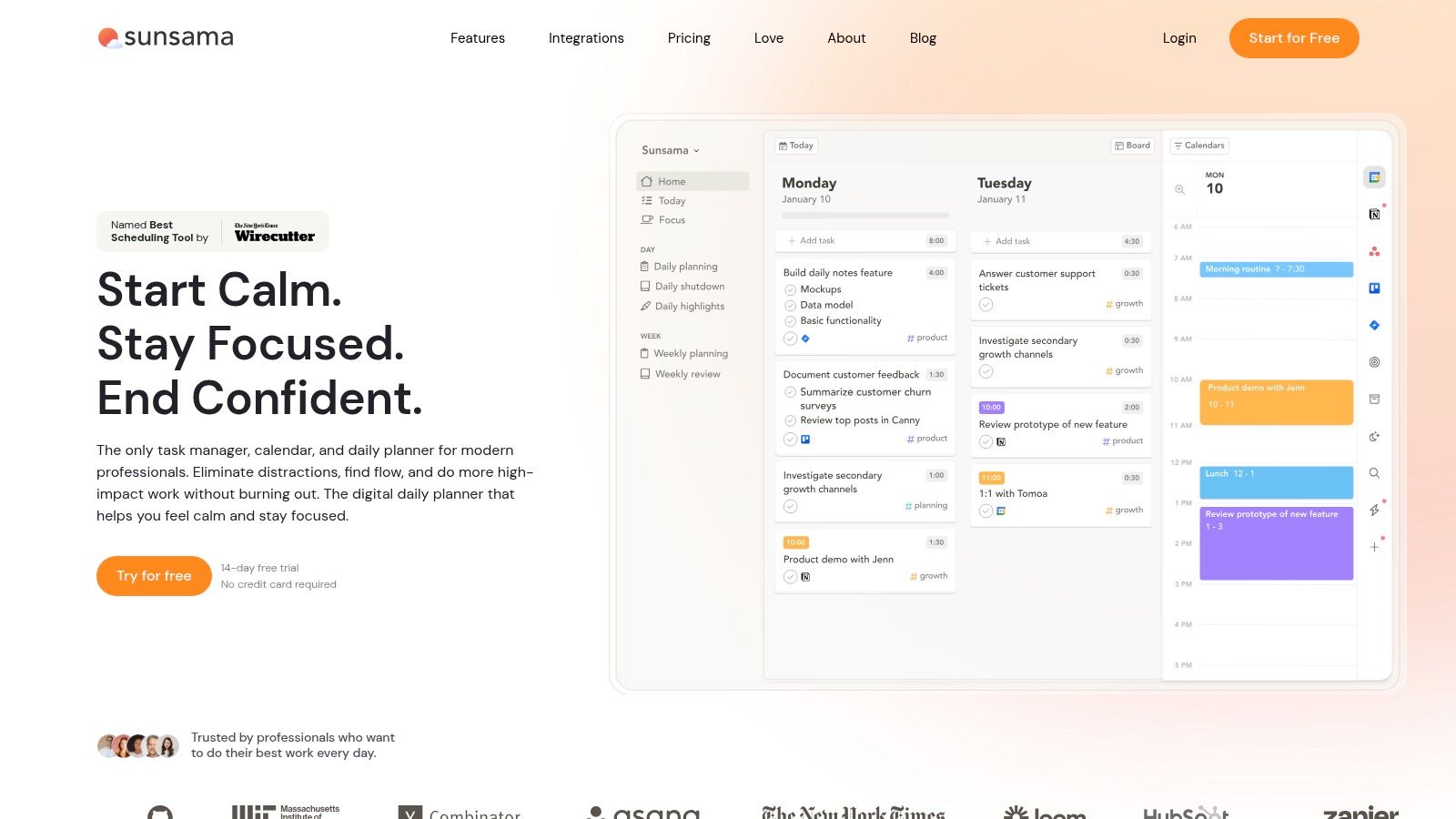
Sunsama takes a different approach from most tools here. It does not try to be the master database for all your work. Instead, it helps you plan today realistically. That makes it useful for people who already have tasks spread across other systems and need a calmer, more intentional daily view.
It pulls in work from tools like Asana, Trello, ClickUp, Notion, Todoist, and your calendar, then helps you time-box the day. If overcommitting is a recurring problem, Sunsama is one of the better solutions.
A strong daily planning layer, not a full operating system
Sunsama is at its best when the issue is workload judgement. It encourages a more realistic daily plan and helps break the habit of carrying forward an impossible list.
But it is a meta-layer, not a core business system. That means you still need a source of truth underneath it. For a consultant or knowledge worker, that may be perfectly acceptable. For a service business managing appointments and field work, internet dependency and app fragility matter more. Research highlighted by Schedly's review of scheduling app pros and cons notes the operational risk of outages and access problems during peak periods. For UK tradespeople working in poor-signal areas, that matters more than many planner roundups acknowledge.
If your app fails when you are on-site with weak signal, your planning system is not reliable enough for operations.
Sunsama is thoughtful and effective. It is simply not the answer to fragmented business processes.
Top 10 Planner Apps: Feature Comparison
| Tool | Core features | UX & quality ★ | Value & price 💰 | Best for 👥 | Standout ✨ / 🏆 |
|---|---|---|---|---|---|
| Todoist | Tasks, NL date parsing, labels, calendar sync, kanban | ★★★★☆, fast mobile capture | 💰 Free + Premium (power features) | 👥 Individuals & small teams | ✨ Fast entry, broad integrations |
| TickTick | Tasks + calendar, Pomodoro, habit tracker, smart lists | ★★★★☆, reliable sync, dense UI | 💰 Very affordable Premium | 👥 Solo users who combine tasks & habits | ✨ Built-in Pomodoro & habits |
| Microsoft To Do | 'My Day', Outlook/Exchange sync, shared lists, subtasks | ★★★★☆, lightweight, familiar | 💰 Free with Microsoft account / 365 | 👥 Microsoft 365 users & casual teams | ✨ Native Outlook/Exchange integration |
| Fantastical (Flexibits) | Natural-language scheduling, proposals, multi-TZ views | ★★★★★, polished Apple experience | 💰 Premium subscription (Apple-only) | 👥 Apple users wanting premium calendar | 🏆 Best-in-class Apple scheduling |
| Trello | Kanban boards, calendar/timeline views, Power-Ups, automation | ★★★★☆, very approachable | 💰 Free + Paid Power-Ups/plans | 👥 Visual thinkers & small teams | ✨ Visual boards + extensible Power-Ups |
| Asana | Tasks/subtasks, timeline, dependencies, goals, automation | ★★★★☆, scales to teams | 💰 Paid plans for teams (scales) | 👥 Growing teams & organisations | 🏆 Strong timeline & portfolio tools |
| Notion | Databases, kanban/calendar/timeline, docs + tasks | ★★★★☆, highly customisable (setup time) | 💰 Free personal, Paid teams | 👥 Teams building custom workspaces | ✨ Extremely customisable all-in-one |
| ClickUp | Tasks, custom fields, docs, time tracking, dashboards | ★★★★☆, feature-dense, steeper learning | 💰 Competitive paid tiers | 👥 Teams wanting an all-in-one platform | ✨ Replaces multiple tools, deep customisation |
| Google Calendar | Multiple calendars, sharing, appointment scheduling, Meet | ★★★★☆, familiar & reliable | 💰 Free, Workspace adds scheduling features | 👥 Anyone needing simple scheduling | ✨ Native Google ecosystem integration |
| Sunsama | Guided daily planning, time-boxing, integrations, focus tools | ★★★★☆, promotes realistic days | 💰 Premium subscription (meta-layer) | 👥 Busy professionals & planners | ✨ Guided time-boxing across tools |
When to Upgrade Planner App vs Business Management Platform
A planner app starts to fail in a very specific scenario. A customer books a job in one tool, the quote sits in a spreadsheet, the invoice goes out from another system, and no one can see the full status without checking three tabs and asking two people. At that point, the issue is no longer task planning. It is operational drag.
That shift happens quickly in UK service businesses. A sole trader can operate effectively on a personal planner for quite a while. A small team dealing with shared jobs, repeat clients, quotes, deposits, and follow-ups usually cannot. The more customer-facing steps you add, the more a planner app becomes a partial tool rather than the system the business actually uses to operate.
As noted earlier, many small firms still underuse dedicated business apps even though daily work is already digital. The practical issue is not whether software matters. The practical issue is choosing software for the complete workflow instead of creating another layer of administration. More software choice has also made poor software stacking easier. It is entirely possible to buy a good task app and still end up with a disjointed operation.
Introducing AetherCloud The Platform for UK Service Businesses
AetherCloud is built for the point at which planning tasks is no longer enough. It gives UK service businesses one place to manage the work around the task, not just the reminder that the task exists.
It combines:
- Appointment scheduling: Customers book directly into your calendar through public-facing booking pages.
- Contact management: Enquiries, client details, and history sit in one CRM-style record.
- Quoting and invoicing: Create VAT-ready documents without copying data between tools.
- Online payments: Send clients to secure payment pages and reduce payment delays.
- Digital business cards: Share a consistent business profile and capture leads in a cleaner way.
- Analytics: Review activity, revenue, and engagement from one dashboard.
That matters because fragmentation creates real costs. Staff re-enter the same customer details. Quotes stall because the next action is unclear. Invoices go out late because the billing step sits outside the job workflow. A single platform removes many of those handoff problems before they become revenue problems.
The Final Verdict From Planning Tasks to Growing Revenue
The apps in this list all serve a valid purpose. Todoist, TickTick, and Microsoft To Do work well for personal planning and lighter team use. Fantastical is excellent for Apple-based calendar management. Trello and Asana suit teams that need visible coordination. Notion and ClickUp offer more flexibility if you are willing to invest the setup time. Google Calendar remains a practical starting point for scheduling. Sunsama is strong for realistic daily planning.
The decision point is simple. If the main challenge is remembering, prioritising, and organising work, a planner app is enough. If the main challenge is turning enquiries into booked work, then into quotes, invoices, payments, and client follow-up, you need software designed for that full chain.
That is the real upgrade path. Many businesses start with a personal planner, then add a team tool, then discover the operation still runs through disconnected administration. AetherCloud fits the next stage. It helps you run the commercial workflow behind the tasks, which is often where growth either holds together or begins to break.
If you've outgrown separate apps for planning, bookings, quoting, and invoicing, AetherCloud gives you one place to run the full workflow. It's built for UK service businesses that want less admin, faster customer response, and a cleaner path from enquiry to payment.
Written with the Outrank tool